
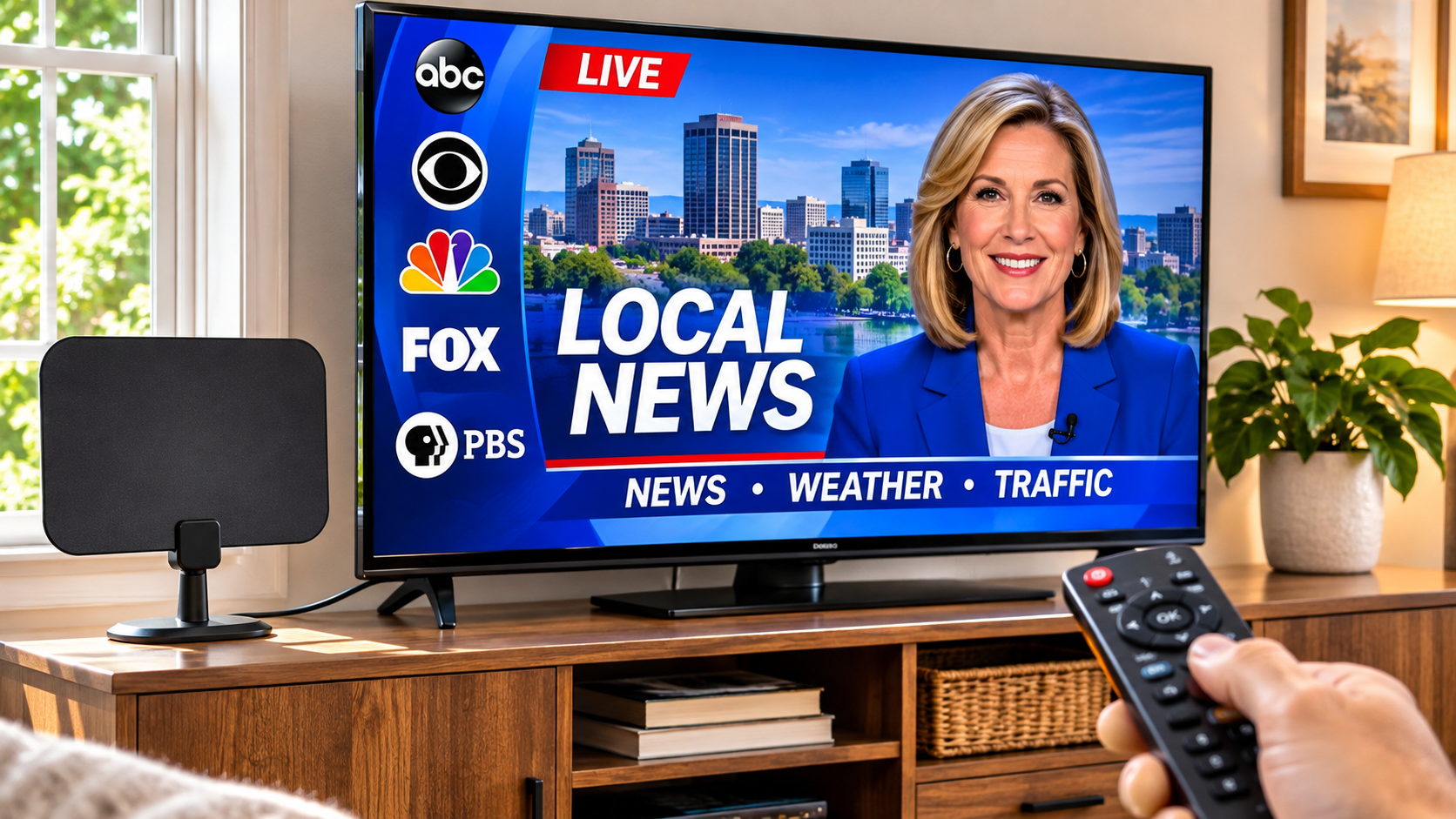
How to Watch Local TV Channels Without Cable (Easy Guide)
Want to watch local TV channels without paying for cable? You have several options, including a regular TV antenna, free streaming apps, and live TV streaming services.
You may be able to watch local ABC, CBS, NBC, FOX, PBS, and other stations without a cable subscription. The channels available depend on where you live and which method you choose.
The good news is that you don’t necessarily need a new television or an expensive streaming subscription.
This guide explains how to watch local TV channels without cable, starting with the easiest and least expensive options.
If you’re wondering how to watch local TV channels without cable, the best place to start is by checking which free broadcast stations are available in your area.
Table of Contents
Quick Answer: The Best Ways to Watch Local Channels
| Method | Cost | What You Can Watch |
|---|---|---|
| TV antenna | One-time equipment purchase | Local broadcast stations available at your address |
| Local station websites and apps | Often free | Selected news broadcasts and local programming |
| PBS website or app | Free for local live streams where available | Your local PBS station |
| Free streaming TV apps | Free, usually with ads | News and streaming channels, but not necessarily your local broadcast stations |
| Live TV streaming subscription | Monthly fee | Participating local networks, depending on your ZIP code |
Our recommendation: Try a TV antenna first if your home can receive broadcast signals. It’s usually the simplest way to get major local networks without a monthly bill.
1. Use a TV Antenna to Watch Local Channels for Free
A TV antenna is one of the easiest ways to watch local TV channels without cable.
Many local television stations broadcast their signals over the air. You can receive these broadcasts with a compatible television and an antenna.
Depending on reception in your area, you may receive:
- ABC
- CBS
- NBC
- FOX
- PBS
- The CW
- Additional local and specialty broadcast channels
Not every household can receive every network. Your distance from broadcast towers, surrounding terrain, buildings, and antenna placement all affect reception.
How to Connect a TV Antenna
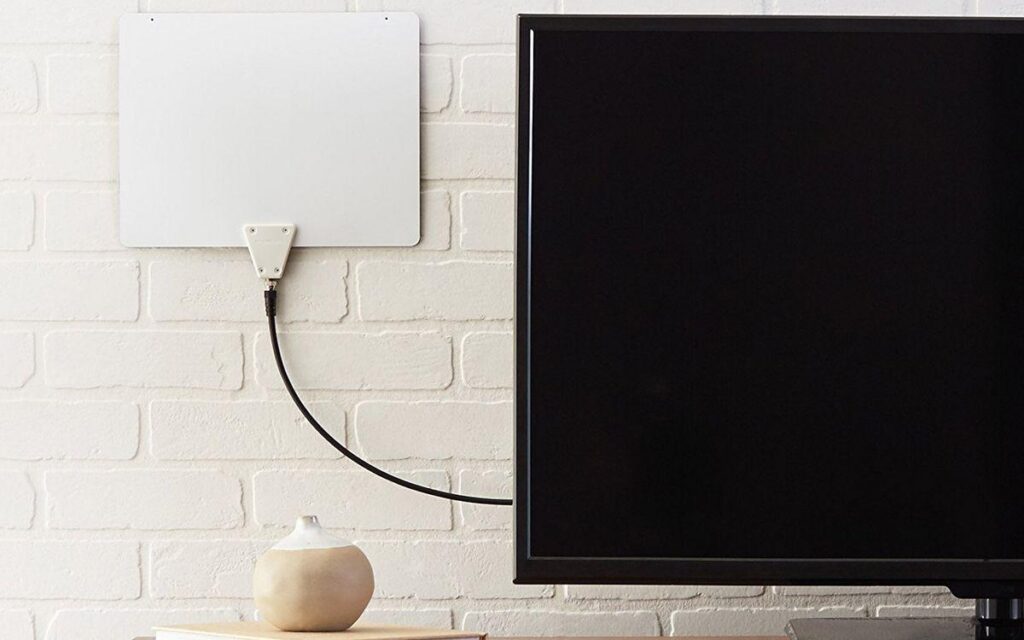
- Purchase an indoor or outdoor TV antenna suitable for your location.
- Find the round antenna connection on the back of your television, usually labeled ANT IN, RF IN, or Cable/Antenna.
- Connect the antenna’s coaxial cable.
- Turn on your television.
- Open Settings using your TV remote.
- Find Channels, Broadcasting, or Channel Setup.
- Select Antenna or Air, rather than Cable.
- Choose Auto Scan, Channel Scan, or Auto Program.
- Wait for your television to find available channels.
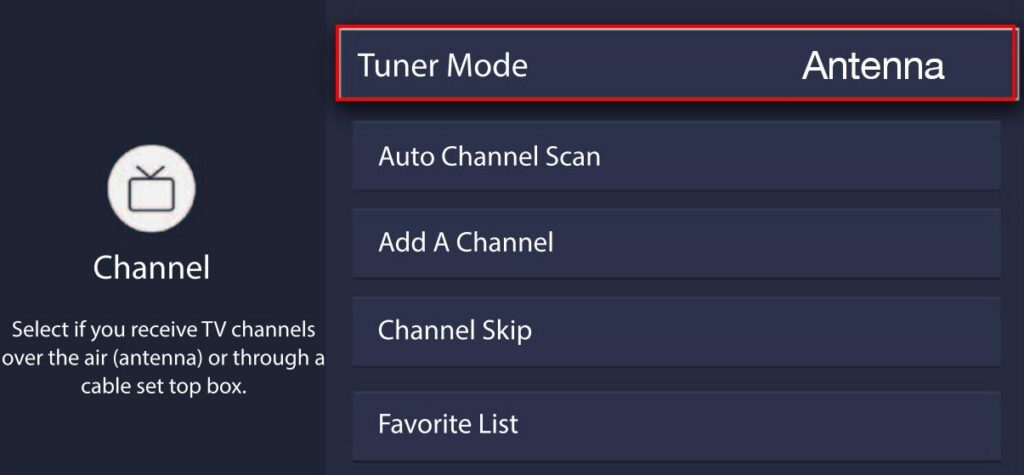
When the scan finishes, switch to the TV’s antenna input and browse your channels.
Helpful tip: Place an indoor antenna near a window or higher on a wall. If reception is poor, try a different location and scan again.
How Much Does a TV Antenna Cost?
Basic indoor antennas commonly cost around $15–$40, although prices vary. Larger or outdoor antennas may cost more.
There is no monthly subscription fee to receive free over-the-air television broadcasts.
Before buying an antenna, check which stations may be available at your address using the FCC’s DTV Reception Maps:
https://www.fcc.gov/media/engineering/dtvmaps
Antenna reception predictions are estimates, not guarantees.
2. Watch Local News Through Free Websites and Apps
If you’re mainly interested in local news, weather, and community events, you might not need an antenna.
Many television stations offer some of their programming online.
How to Find Your Local Station’s Website
- Open Google or another search engine.
- Search for your city followed by local TV news live stream.
- Look for the official website of a local television station.
- Open its Watch Live, Live News, or Streaming section.
- Check whether the station offers a free live newscast.
For example, you might search:
- Local ABC news live stream
- Local NBC news near me
- Watch local news online free
Some stations also offer apps for Roku, Fire TV, smartphones, and smart TVs.
Important: A station’s free news stream is not necessarily the same as its full broadcast channel. Network shows, sports, and other programming may be unavailable.
3. Watch Your Local PBS Station for Free
PBS is another good option for watching local television without cable.
PBS provides free access to local station live streams in supported areas through its website and app.
How to Watch PBS Online
- Visit https://www.pbs.org/.
- Find the Live TV option.
- Select or confirm your local PBS station.
- Start watching the live stream.
You can also install the PBS app on a supported streaming device or smartphone.
Local live streaming depends on station availability and your location. Some programs are reserved for PBS Passport members, but a paid Passport membership is not required for the standard local station livestream where offered.
4. Try Free Streaming TV Apps
Free streaming apps are useful if you want additional television channels without a monthly subscription.
Popular options include:
- Pluto TV: Free live-style streaming channels, movies, and television shows.
- The Roku Channel: Free streaming channels and on-demand entertainment.
- Tubi: Free movies, shows, and streaming channels, including some news content.
These services generally use advertising to support free viewing.
How to Install a Free Streaming App
- Turn on your smart TV or streaming device.
- Open its app store.
- Search for Pluto TV, Tubi, or The Roku Channel.
- Install the app.
- Open it and browse the available channels.
Some apps may ask you to create a free account.
Remember: Free streaming channels are not the same as local broadcast channels. Don’t assume an app will provide your local ABC, CBS, NBC, or FOX station.
5. Use a Live TV Streaming Service
If you want local networks alongside cable-style channels, a paid live TV streaming service may be worth considering.
These services deliver television through your internet connection instead of a traditional cable box.
Popular Live TV Streaming Options
YouTube TV
YouTube TV offers many national channels and local broadcast networks. The specific local stations available depend on your home location.
You can check your local channel lineup at https://tv.youtube.com/.
Hulu + Live TV
Hulu + Live TV offers live television packages that can include major local networks, depending on location and availability.
Visit https://www.hulu.com/ for current plan details.
Sling TV
Sling TV offers lower-cost package options than some larger live TV services, but its local broadcast coverage is more limited and varies by plan and location.
Check your ZIP code and plan carefully before subscribing.
Which Streaming Service Should You Choose?
If you want several local broadcast networks and a large selection of other live channels, compare YouTube TV and Hulu + Live TV first.
If your priority is keeping costs down, consider an antenna alongside free streaming apps before paying for live TV.
Prices, channel packages, and promotions change, so always check the provider’s current details before signing up.
6. Can You Watch Local Channels on Roku or Fire TV?
Yes, but the method matters.
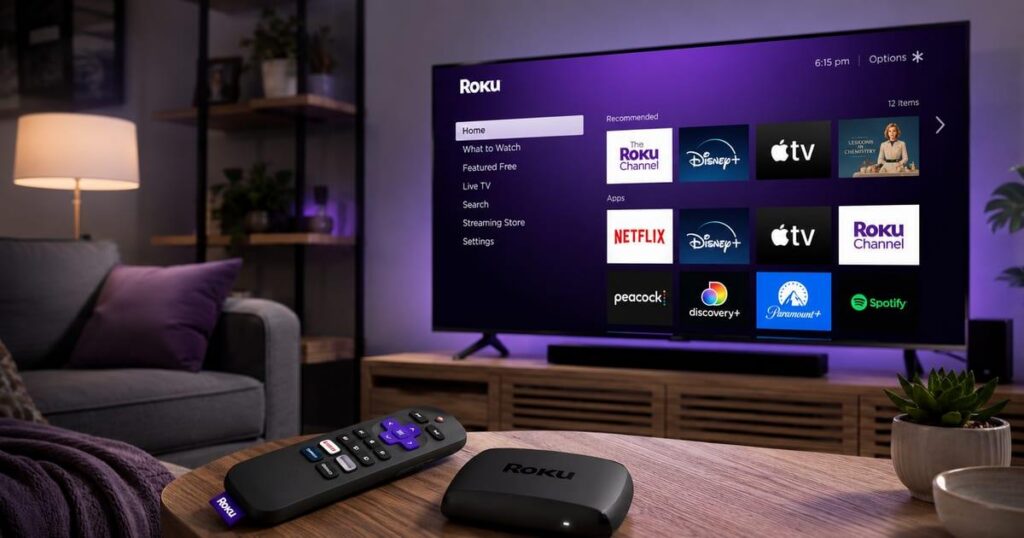
Roku and Fire TV devices can run apps that provide local news, PBS programming, and subscription live television.
However, a standard Roku or Fire TV streaming stick does not receive over-the-air broadcast signals by itself.
To watch antenna channels, connect an antenna to your television’s built-in tuner or use a compatible external TV tuner.
Watching Local Channels on Roku
- Turn on your Roku device.
- Open the streaming app store.
- Search for a local news app, PBS, or a live TV provider.
- Install the app.
- Open it and follow its instructions.
For antenna channels, switch your television to its antenna or live TV input rather than the Roku HDMI input.
The same basic distinction applies to Fire TV streaming sticks.
7. What If Your Antenna Doesn’t Find Any Channels?
If your television finds no local channels, try these troubleshooting steps.
Check the TV Input
Make sure the television is scanning for Antenna/Air rather than Cable.
Move the Antenna
Try placing the antenna near a window or farther from large electronic devices.
Scan Again
After changing the antenna’s location, run another channel scan.
Check Your Distance From Broadcast Towers
Homes far from transmission towers, particularly in hilly or mountainous areas, may have weaker reception.
Consider an Outdoor Antenna
An outdoor or attic antenna may provide better reception than a small indoor antenna.
Check Your Television’s Tuner
Most modern televisions have a digital tuner, but some displays and older sets require a separate tuner or converter box.
If you still cannot receive local channels, free station news streams or a paid live TV service may be a better alternative.
8. Which Method Is Best for You?
The best way to watch local TV channels without cable depends on what you want to watch.
Choosing how to watch local TV channels without cable depends on your location, antenna reception, and whether you want free or subscription-based options.
| Your Goal | Best Starting Option |
|---|---|
| Watch local ABC, CBS, NBC, FOX, or PBS without monthly fees | TV antenna |
| Watch local news online | Official station website or app |
| Watch local PBS programming | PBS website or app |
| Watch free entertainment and news channels | Pluto TV, Tubi, or The Roku Channel |
| Watch local networks plus cable-style channels | Live TV streaming subscription |
| Watch television in a poor antenna reception area | Online streams or live TV subscription |
For most beginners, the best approach is to check antenna reception first and then add free streaming apps for more choices.
Frequently Asked Questions
Can I watch ABC, CBS, NBC, and FOX without cable?
Yes, if you can receive their local over-the-air broadcasts with an antenna. Some paid live TV streaming services also carry these networks, depending on your location.
Can I watch local TV channels without internet?
Yes. An antenna can receive local over-the-air television broadcasts without an internet connection.
Do I need a smart TV to watch local channels?
No. A television with a compatible digital tuner can receive antenna broadcasts. For streaming apps, you can use a compatible external streaming device with a television that has an HDMI input.
Is there a free app that gives me all my local channels?
Generally, no single free streaming app reliably provides every local broadcast network nationwide. Availability varies by station, service, and location.
Can I use an antenna with a Roku TV?
Yes. Many Roku TVs include an antenna input and built-in tuner. Connect the antenna to the television, then follow the Roku TV’s channel setup instructions. A separate Roku streaming stick does not have an antenna tuner.
Do I have to pay a monthly fee for an antenna?
No. After purchasing any necessary equipment, over-the-air local broadcast channels are free to receive.
Final Thoughts
Learning how to watch local TV channels without cable can save you money while keeping you connected to local news, weather, sports, and entertainment.
For most households, a TV antenna is the best place to start because it doesn’t require a monthly subscription or internet service.
If an antenna doesn’t work well where you live, local station websites, the PBS app, and live TV streaming services provide alternatives.
Start with the free options, see which channels you can actually receive, and only pay for a subscription if you need additional programming.
Looking for more beginner-friendly television tips? Explore our Streaming TV guides for help with streaming devices, television settings, and watching TV without cable.
Official resources
- FCC — DTV Reception Maps — for antenna reception estimates.
- PBS — How to Watch Without Cable — for PBS streaming details. PBS Help
- YouTube TV — Local Channel Availability — for checking local networks. YouTube TV Help
- Sling TV — Local Channels — for location and package limitations.